Start from a project or a pasted answer.
Users can open the local dashboard in a real project, or paste a long Claude/Codex/ChatGPT answer they already paid tokens to get.
Product tour
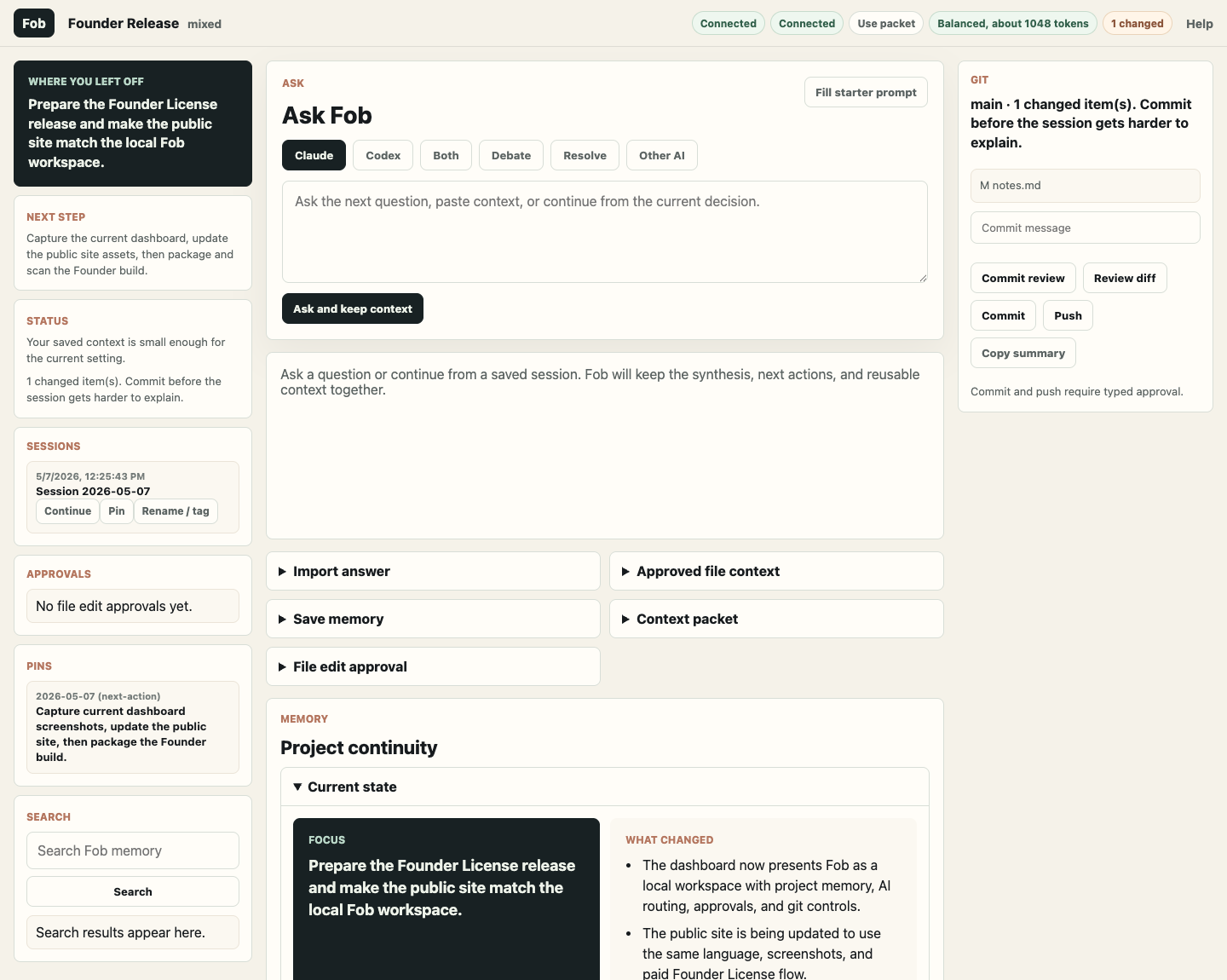
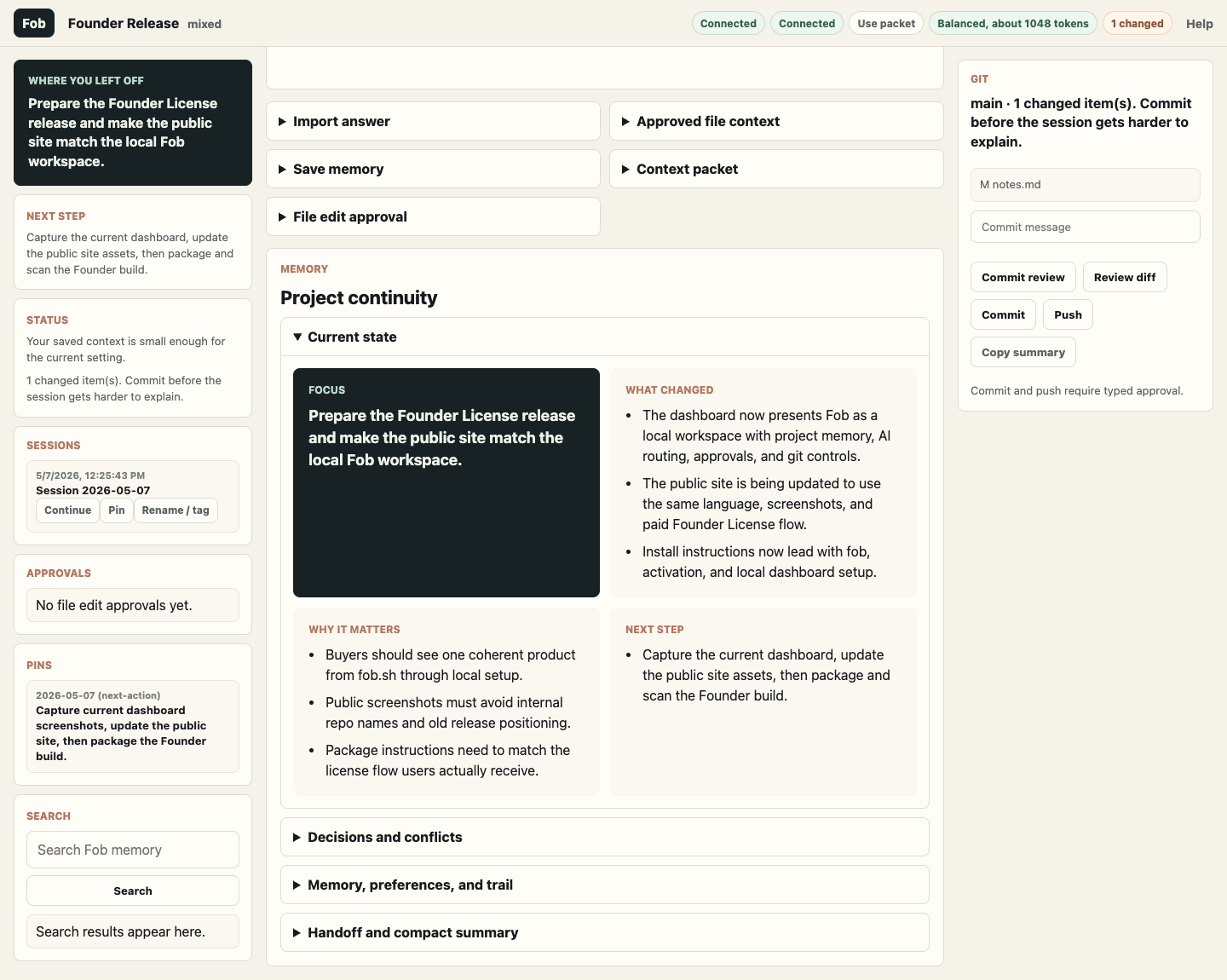
Fob turns a local project into a workspace where AI answers, saved decisions, pinned notes, follow-ups, and handoffs stay together.
Users can open the local dashboard in a real project, or paste a long Claude/Codex/ChatGPT answer they already paid tokens to get.
The user stays in one page. Fob sends the right context packet to the selected worker and shows progress while the local CLI runs.
After the response, Fob gives the next action: save the decision, pin the answer, debate the fix, build a packet, or create a handoff.
Real local screenshots
These screenshots are from Fob running locally at 127.0.0.1 against a safe demo project. They are not a hosted SaaS dashboard.
Why this is not just a website
The public website cannot read private files or launch local Claude/Codex/Gemini binaries. The local Fob app can, with your approval. That is why Fob is local-first: private project memory stays beside the project instead of inside a hosted SaaS dashboard.